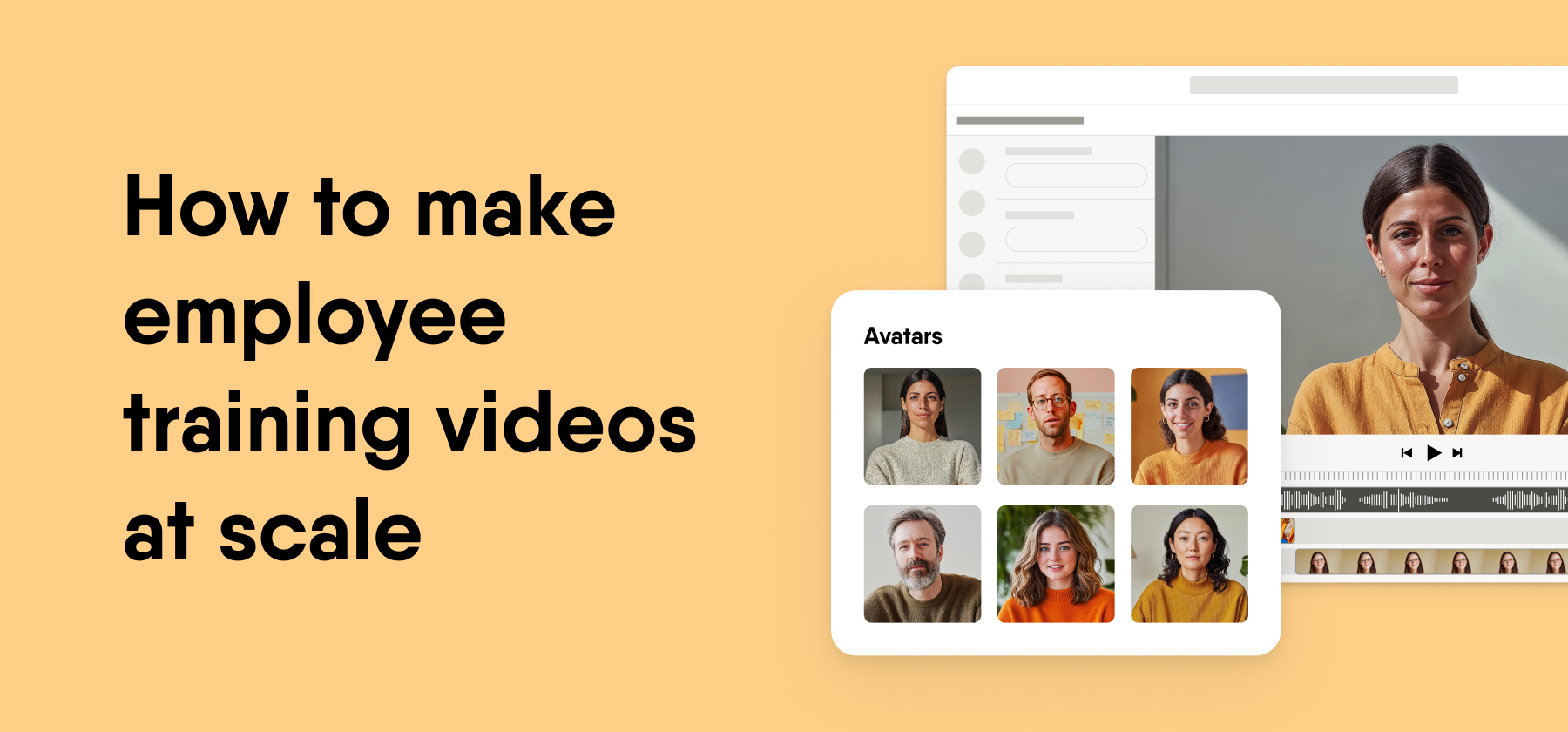
The most cost-effective way to produce onboarding and other employee training videos at scale is to build them scene by scene with AI avatars, AI voiceovers, and existing PowerPoint files, then update single scenes instead of reshooting. This removes studio, crew, and re-edit costs, and it lets subject-matter experts and L&D teams share the work.
Key takeaways
- Maintenance drives total cost. Each policy, product, or process change sends a filmed video back into production, so upkeep keeps adding cost long after launch.
- Scene-based editing keeps videos current. When you change one scene, the rest of the video stays as it is, so you skip a full re-edit.
- Existing slides are the cheapest source material. A PowerPoint deck already holds the structure and content, so conversion skips filming and most of the scripting.
- A repeatable workflow replaces the project team. Templates, named owners, and clear review stages lower the cost of every new video.
Maintenance cost decides the real price of training videos
The real price of a training video is the cost to keep it accurate, because the first version is only one of many. Onboarding content changes whenever a policy, a tool, a reporting line, or a benefit package changes.
With filmed video, each change means a new shoot, a new edit, and a new export. The presenter may have left the company, or the set may no longer match the brand. Teams often leave the old video live instead, and new hires learn outdated steps.
For senior L&D and HR leaders, this changes the budget question. Compare options on the cost of each update over several years, rather than on the cost of the first finished video.
Nada Hazem, Senior Product Manager at Easygenerator, described how AI changes this math in our Video Learning webinar in February 2026.
“On maintainability, one of the challenges is creating a video and having to maintain it over time. With AI removing the friction, all you would need to do is take a slide or a specific scene and make updates only to that specific scene. The video is evergreen.”
Her point ties cost to structure. A video built from separate scenes is cheaper to update, because you only touch the scene that changed.
Slide-to-video conversion cuts production cost the most
Slide-to-video conversion cuts the most cost because your onboarding content already exists in PowerPoint. Most HR and L&D teams already hold welcome decks, policy decks, and team introductions that new hires click through today.
A conversion tool turns each slide into a video scene and adds narration. You skip the blank-page script, the storyboard, and the shoot. Subject-matter experts recognize their own material, so their reviews move faster.
As of October 2026, EasyVideo lets you start from a PowerPoint file, record a video, or begin from a template. It builds each video scene by scene like slides, so a later edit to one part leaves the rest intact.
Teams who ask how to make training videos on a tight budget get the fastest return here. Start with the decks new hires see in their first week, since those reach every employee.
Match the format to the content
Match the format to what the learner needs to do, because each format carries a different upkeep cost.
- AI avatars. These suit welcome messages, policies, compliance basics, and culture topics where a human face holds attention.
- Screen recording. This suits software how-tos, such as a first login to the HR portal or an expense tool. Recordings go stale when the interface changes, so keep them short.
- Animation. This suits abstract ideas, such as how data moves between systems. Animation takes the most design time and is the hardest to update, so save it for content that rarely changes.
AI avatars and voiceovers remove studio and talent costs
AI avatars and voiceovers remove the studio, the crew, and the on-camera talent from each video. A filmed onboarding module needs a presenter, a room, lights, sound, a shared calendar slot, and an editor afterward.
An AI presenter reads the script you approve. You can change one sentence and regenerate the scene, with no new shoot and no talent fee.
As of October 2026, EasyVideo includes AI avatars, AI voiceovers, custom AI presenter generation, and an AI Script Assistant. Branded and shared custom avatar libraries are coming soon but were not live as of October 2026, so plan around the current avatar options.
When you compare any AI training video generator, test three things on your own content. Check how natural the voice sounds in your main languages, how long a one-sentence fix takes, and who can make that fix without a specialist.
Scene-based updates keep videos from going stale
Scene-based updates keep videos current, and current videos matter more than polished ones. A beautiful video with an old process teaches new hires the wrong thing.
Nada Hazem named this failure directly in the same February 2026 Video Learning webinar.
“The biggest problem: historically we’ve been seeing a lot of videos being perfectly polished and pixel perfect, but they’re completely outdated, so they’re useless, so they’re not really effective anymore. It’s an ownership issue, it’s a mindset issue.”
Her diagnosis points to two fixes. Build videos in scenes so updates stay small, and give each video a named owner who checks it on a set schedule.
A workable rhythm is a quarterly review plus an update trigger tied to policy or system releases. When HR changes the leave policy, the owner updates the one scene on leave and republishes the video.
Translation multiplies reach without new shoots
AI translation multiplies the reach of each onboarding video without a new shoot per country. For global teams, filmed video often means a separate recording or dubbing project for every language.
As of October 2026, EasyVideo translates a video into 70+ languages with subtitles in one click. A single embed code serves all language versions, so your LMS or intranet page does not need a separate link per country.
More languages also mean more versions to review. Jon Withrington, Global Customer and Capability Education Manager at Keune Haircosmetics, gave this advice in our localization webinar in March 2026.
“I would pick maybe three or four key languages, and think strategically about this.”
His advice keeps translation cost in check. Start with the languages that cover most of your new hires, confirm that the review process works, and then add more.
A repeatable workflow removes the need for a project team
A repeatable workflow lets one L&D owner and a few experts produce each new video, so you no longer assemble a project team every time. Five steps cover most employee training videos for onboarding.
- Start from a template. Fix the intro, outro, brand colors, avatar, and scene length once.
- Let the expert draft. The subject-matter expert supplies the deck or script, because they know the content best.
- Review in one round. Reviewers comment on accuracy and tone, and the author applies the changes.
- Publish to one place. Use the same channel for every video so new hires know where to look.
- Assign an owner. Name one person per video and set a date for the next review.
Separate the people who edit from the people who comment. In our authoring platform, co-authors edit content and reviewers leave comments, and the Team plan includes unlimited reviewers (as of October 2026).
Courses in our platform move through Draft, In Review, Ready to Publish, and Published stages with an audit trail. In EasyVideo, co-authors work together in real time, and each co-author needs an EasyVideo license (as of October 2026).
Claroty shows how the co-author model speeds up production. Anjali Saraswathyamma, who leads learning at Claroty, made subject-matter experts co-authors rather than commenters. Experts now edit content directly, and instructional designers handle the final pass, which sped up the design process. In a November 2025 webinar, she said, “Any business should think about how they can do things dynamically.”
Common mistakes raise cost at scale
Four mistakes raise cost as video volume grows, and each one has a simple fix.
- No owner. Videos without an owner drift out of date, and nobody notices until a new hire follows an old process.
- Too much polish. Custom motion graphics and studio footage look good on day one but slow down every later edit.
- Too many formats. Each extra format adds its own tools, skills, and update steps. Pick one default format and allow exceptions only with a clear reason.
- Unplanned languages. Translation into every language at once multiplies review work before the source video is stable.
Unfinished work is a related risk. Across 213,660 courses and 22.9 million learner-course interactions between June 2025 and June 2026, 48% of courses still sat unpublished after at least 90 days, once courses created too recently are set aside (Easygenerator 2026 e-learning benchmark report). That figure describes activity on the Easygenerator platform rather than the e-learning industry as a whole.
The same risk applies to video, so set a publish date and an owner for each video at kickoff.
EasyVideo fits company-tailored onboarding at enterprise scale
Easygenerator is a cloud e-learning authoring tool that helps organizations create company-tailored training at scale by letting subject-matter experts build courses alongside L&D. EasyVideo is available as a powerful addition to the suite.
For onboarding at enterprise scale, EasyVideo covers the steps in this guide. As of October 2026, it offers these capabilities.
- PowerPoint to video, video recording, and templates as starting points
- AI avatars, AI voiceovers, custom AI presenter generation, and an AI Script Assistant
- Scene-by-scene editing, so one update leaves the rest of the video intact
- One-click translation into 70+ languages with subtitles, and one embed code for every language version
- A dedicated workspace in the platform header with real-time collaboration
Other approaches fit better for some content. A production company or an in-house film crew still suits cinematic brand films, executive messages shot on location, and stories that depend on real employees in real workplaces.
For scored software simulations recorded from the screen, tools such as Adobe Captivate or dominKnow fit better. As of October 2026, Easygenerator offers interactive walkthroughs with hotspots and video steps but no scored screen simulation.
For most onboarding content, total cost stays lowest when you reuse your slides, build in scenes, name an owner for each video, and update only the scene that changed.